Out now for Linux and macOS · Windows coming soon
Press E.
It's already done.
Terndesk is a desktop email client for Gmail, Fastmail, iCloud and most IMAP providers (Outlook and Yahoo sign-in coming), built to be driven from the keyboard. Your mail lives on your computer, so the screen never waits for the network.
The .dmg, .deb, .rpm and AppImage are on GitHub. To hear about new versions, watch the releases or follow their feed.
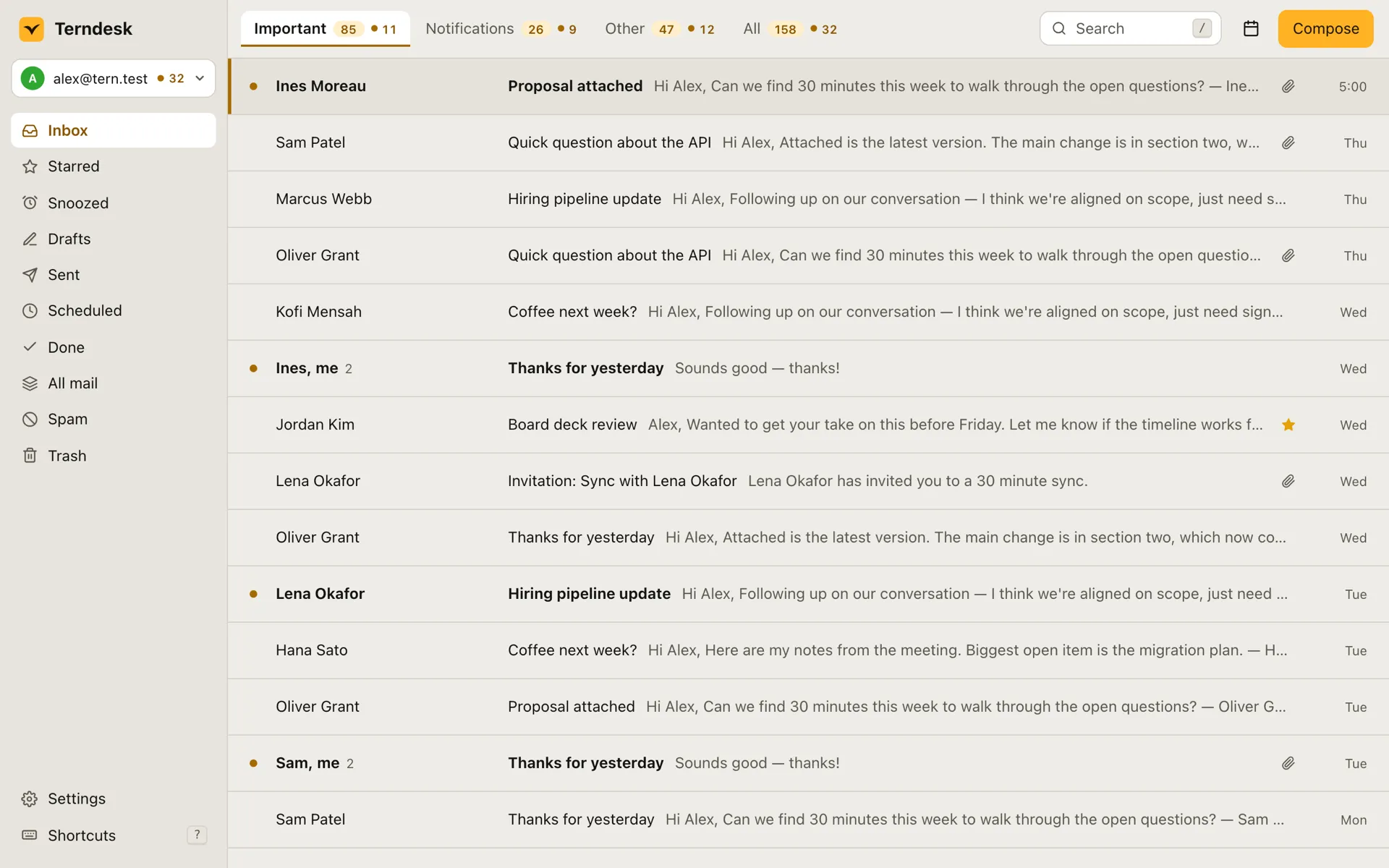
- Unread. Priya RamanQ3 vendor contracts Two of them need your signature before Friday.9:41
- Unread. Mateus OliveiraFlights for the Lisbon offsite Tuesday 07:15 out, Friday evening back. OK?9:12
- Hana KobayashiRe: design review notes Agree on the sidebar. The palette needs one more pass.8:57
- Unread. Dmitri VolkovCan we move Thursday's call? Something came up. Would 3 pm work instead?8:30
- Ada OkaforOnboarding guide, draft 2 Shortened the setup chapter like you suggested.Yesterday
- Harbour Credit UnionYour September statement Your statement is ready to view.Yesterday
- Rohan MehtaInvoice 2026-114 Attached. Net 30 as usual, thanks again.Tue
- Sofia MarchettiPhotos from Sunday The good ones are in the shared album.Sun
- Lena FischerDinner on Saturday? We're thinking that place by the river, around 8.Mon
Try it: tap a key, or click the demo and press J, K, E, S, H or Z.
- to search your whole mailbox
- <100 ms
- for every action, and one to undo it
- 1 key
- Terndesk servers between you and your mail
- 0
- analytics, ads or tracking in the app
- 0
Every action lands before you lift your finger.
Everything you do happens on your screen at once, and your mail server catches up on its own. The screen never waits for the network.
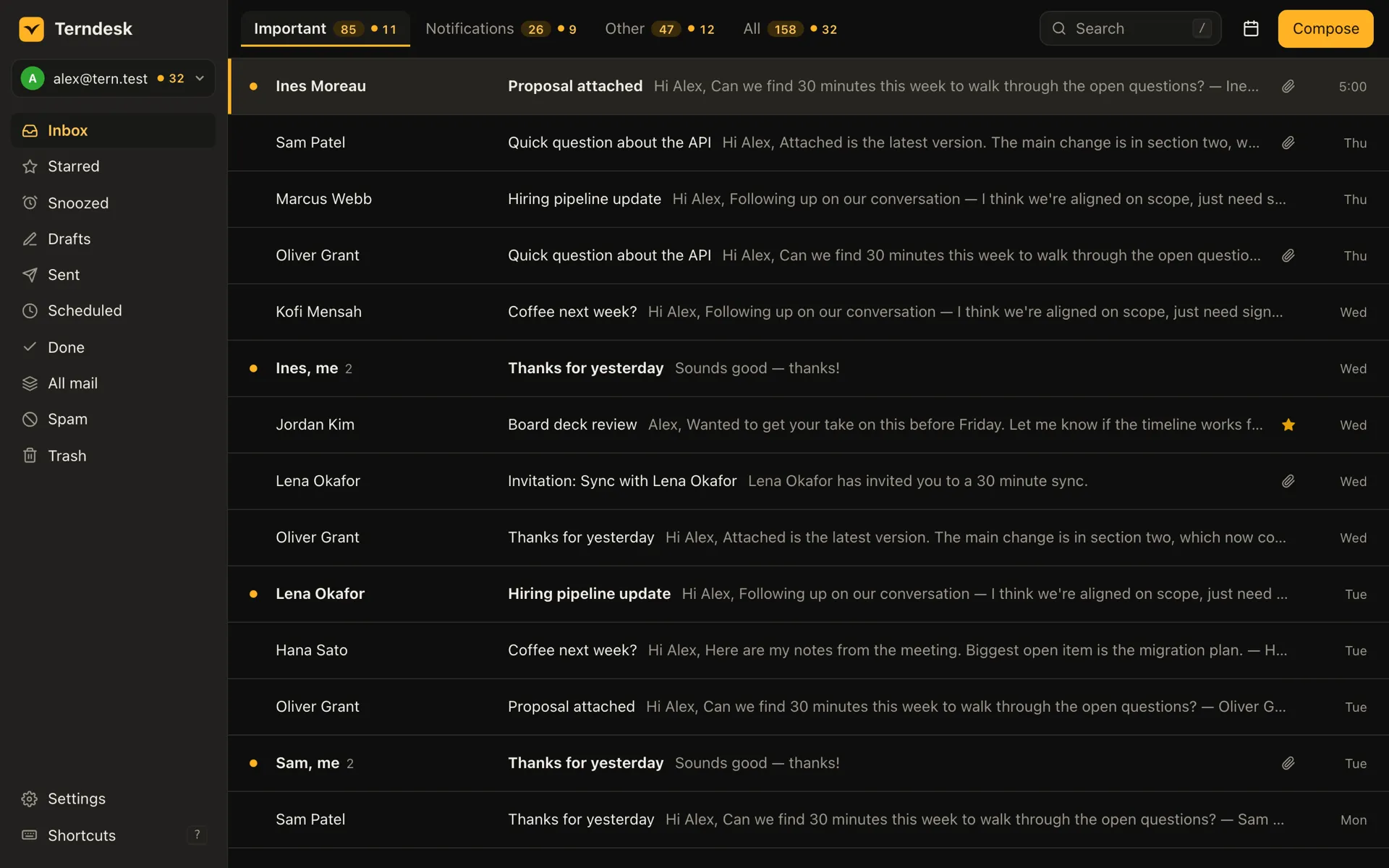
You press
E Mark done
Same frame
The thread leaves your inbox
At once, and Z brings it back.
In the background
Your mail server catches up
Even if you're offline right now.
- Search that answers as you type
- Results appear while you're still typing, with Gmail-style search operators for every account.
- An inbox that opens instantly
- No spinners and no waiting for a page to load, however big your mailbox is.
- Undo that puts things back exactly
- Press Z and everything you just did is put back the way it was.
- Offline is just slower sync
- Triage, write and reply on a plane. Your changes queue up in order and reach your mail server when you reconnect.
Your hands stay on the keys.
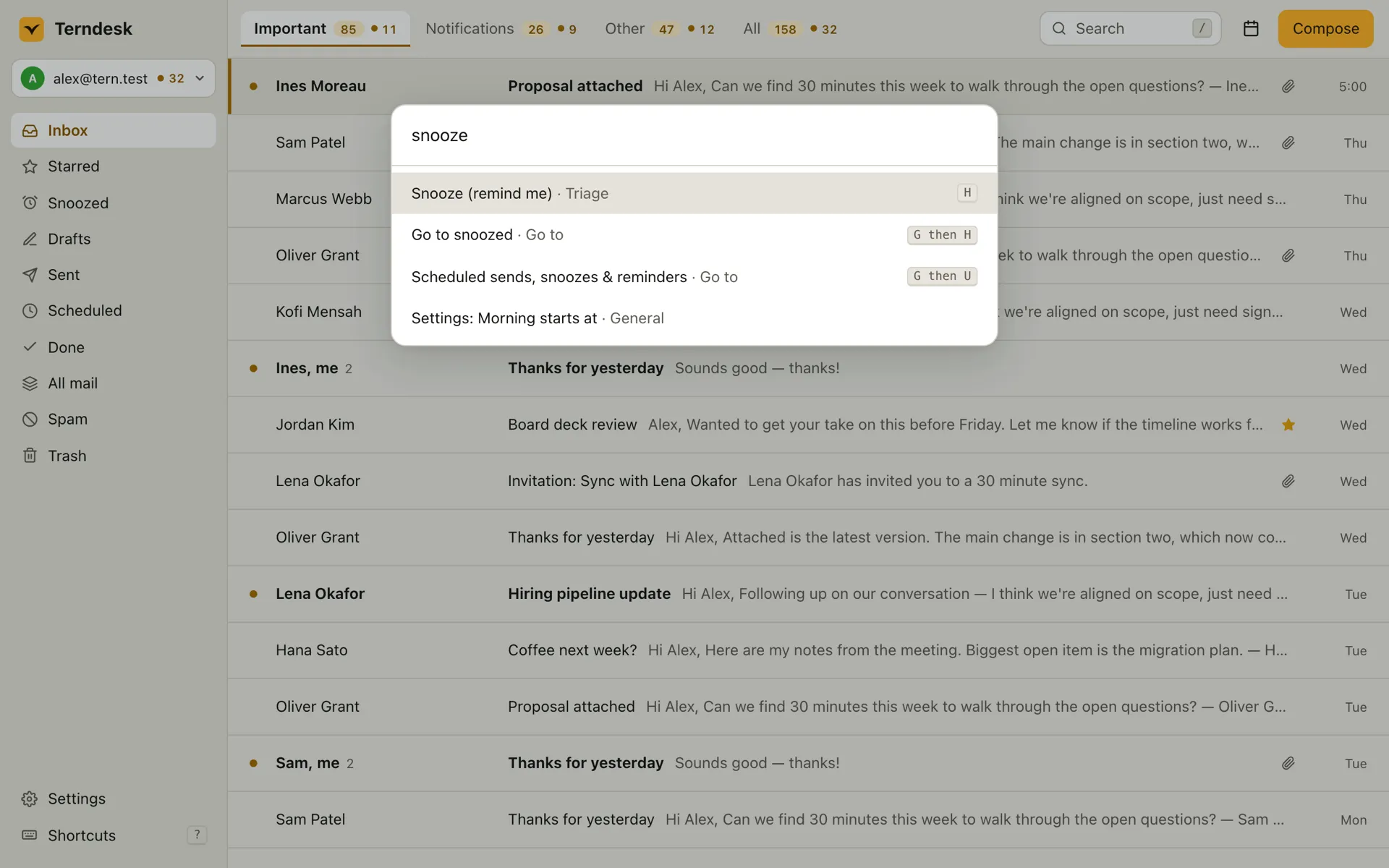
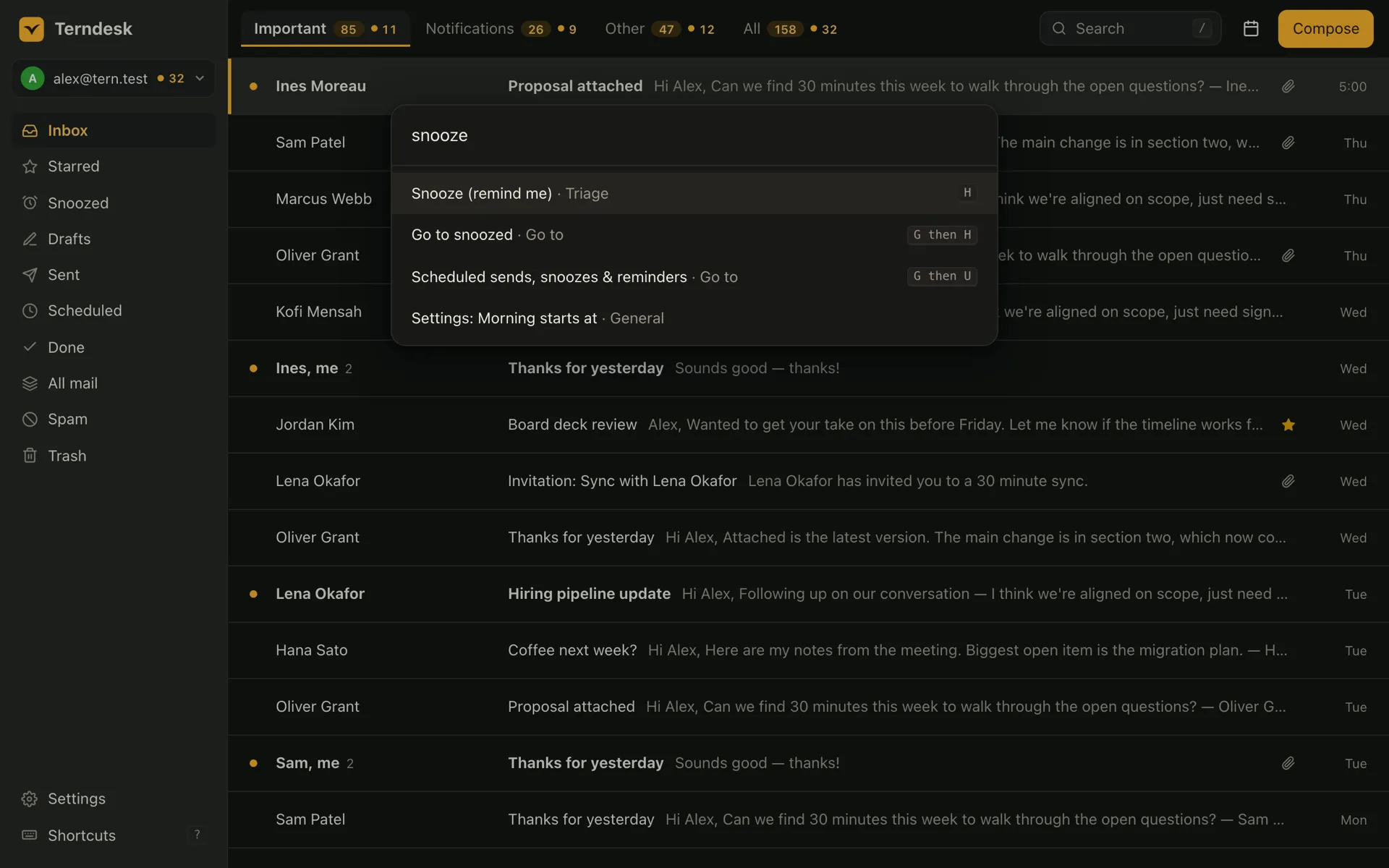
Every action in Terndesk has a shortcut. Forget one and press ⌘CtrlK: the command palette shows each command's key as you search. ? lists them all.
Move and triage
- Next conversation
- J
- Previous conversation
- K
- Mark done
- E
- Remind me later
- H
- Undo
- Z
Write and find
- Compose
- C
- Reply
- R
- Write with AI
- ⌘CtrlJ
- Search
- /
- Every command
- ⌘CtrlK
Your mail stays on your computer.
No Terndesk server ever sees your mail. Terndesk connects straight from your computer to Google or to your own mail provider, keeps what it downloads on your computer, and keeps your sign-ins in your system's secure credential store. The privacy policy lists exactly what it reads from your Google account and why.
- Your mail provider alwaysGoogle, or your own provider's mail servers, over encrypted connections.
- A cloud AI provider optionalOnly if you choose one, under your own account, and agree to send it email text.
- Terndesk's licence service licenceWhen you activate or remove a licence: the key and an identifier for the computer. Nothing from your mailbox.
AI that reads your mail without sending it anywhere.
By default Terndesk runs its AI features on a model on your own computer. Cloud models are there if you want them, under your own account and with your explicit say-so.
- Summarise a threadShiftS
- Ask a question about your mail and get cited answers⌘CtrlJ
- Draft a reply in your voice, from a one-line prompt⌘CtrlJ
- Three suggested repliesShiftR
- Finish the sentence you're writing⌘Ctrl.
- Search in plain words⌘CtrlEnter
Go deeper.
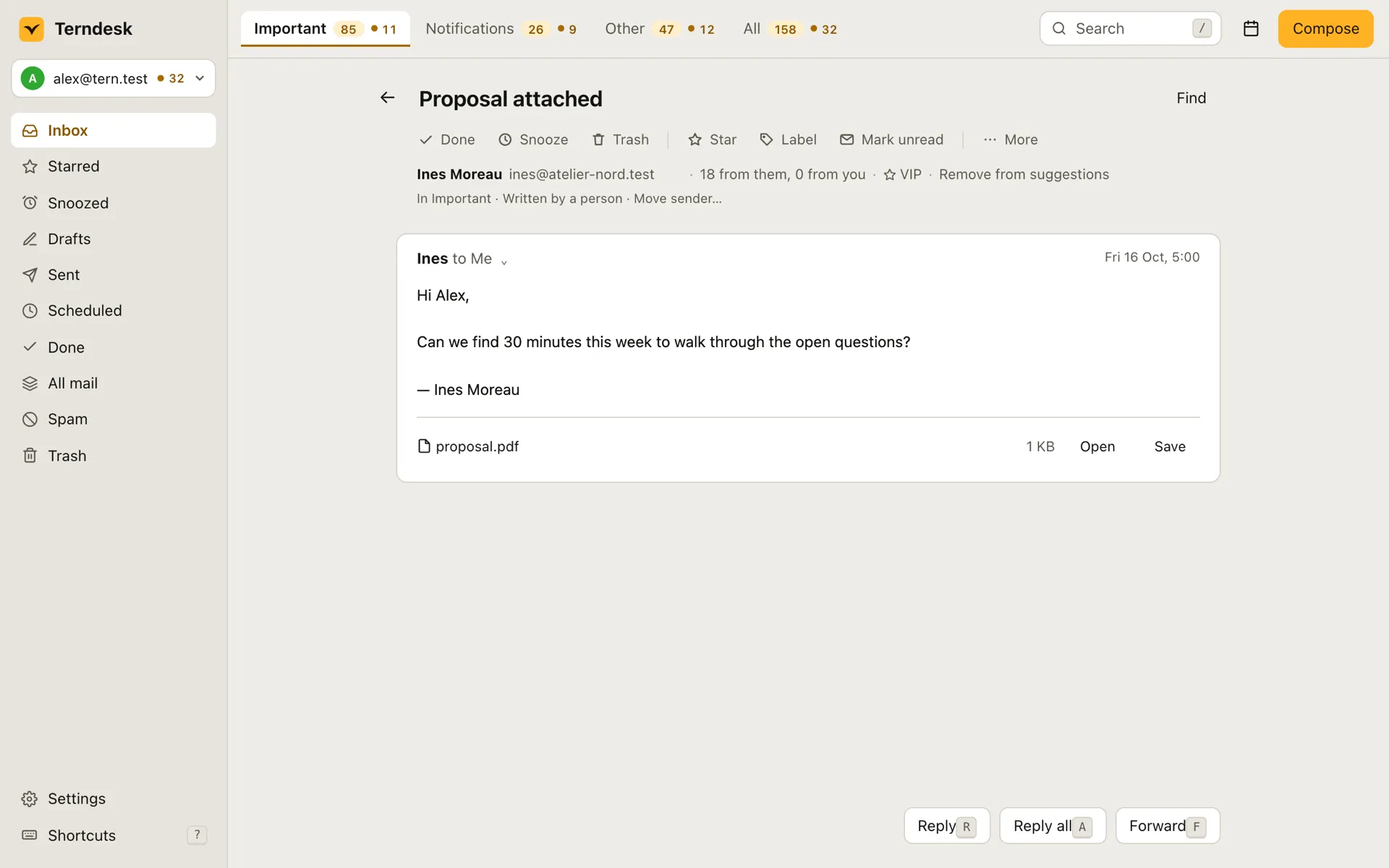
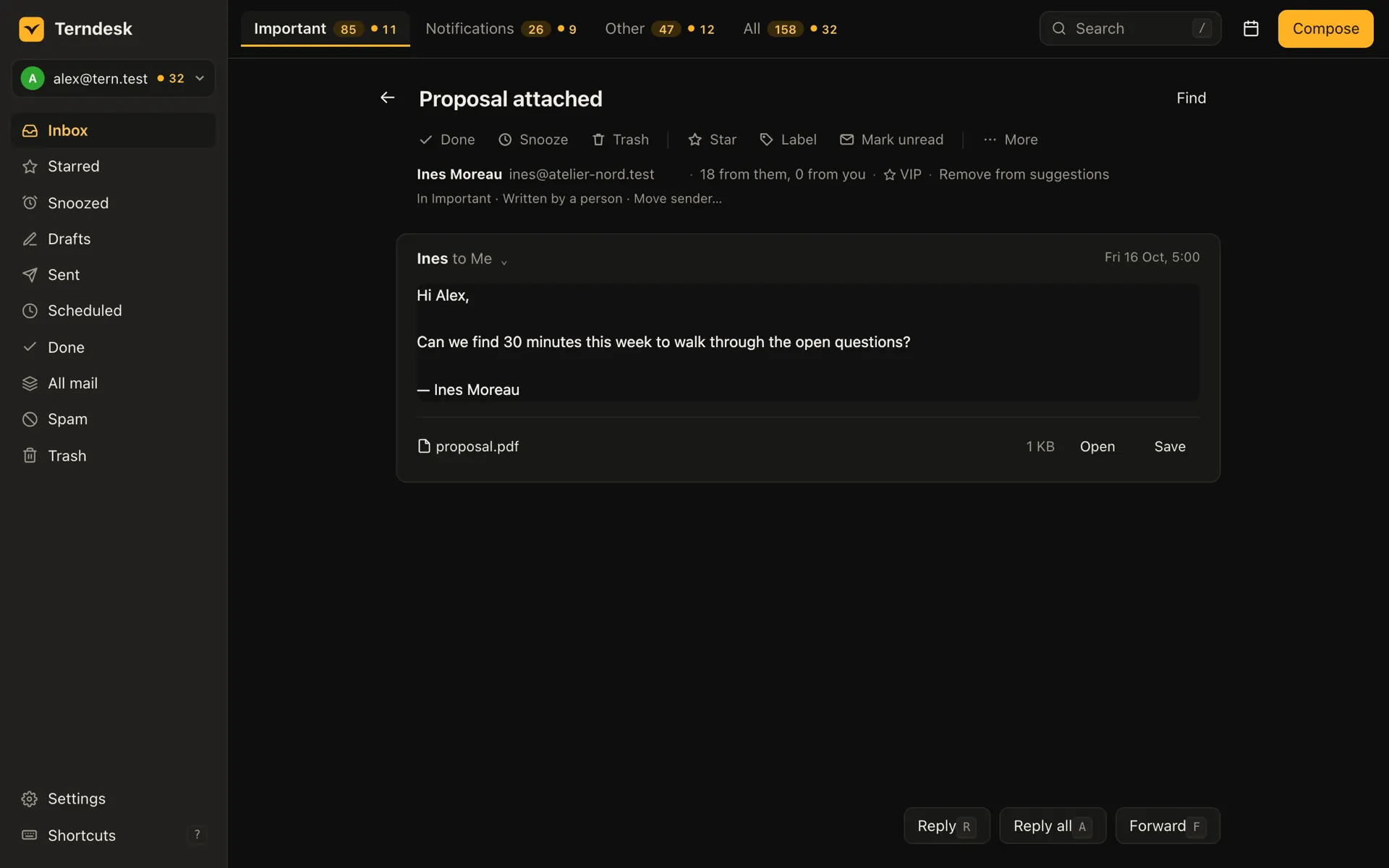
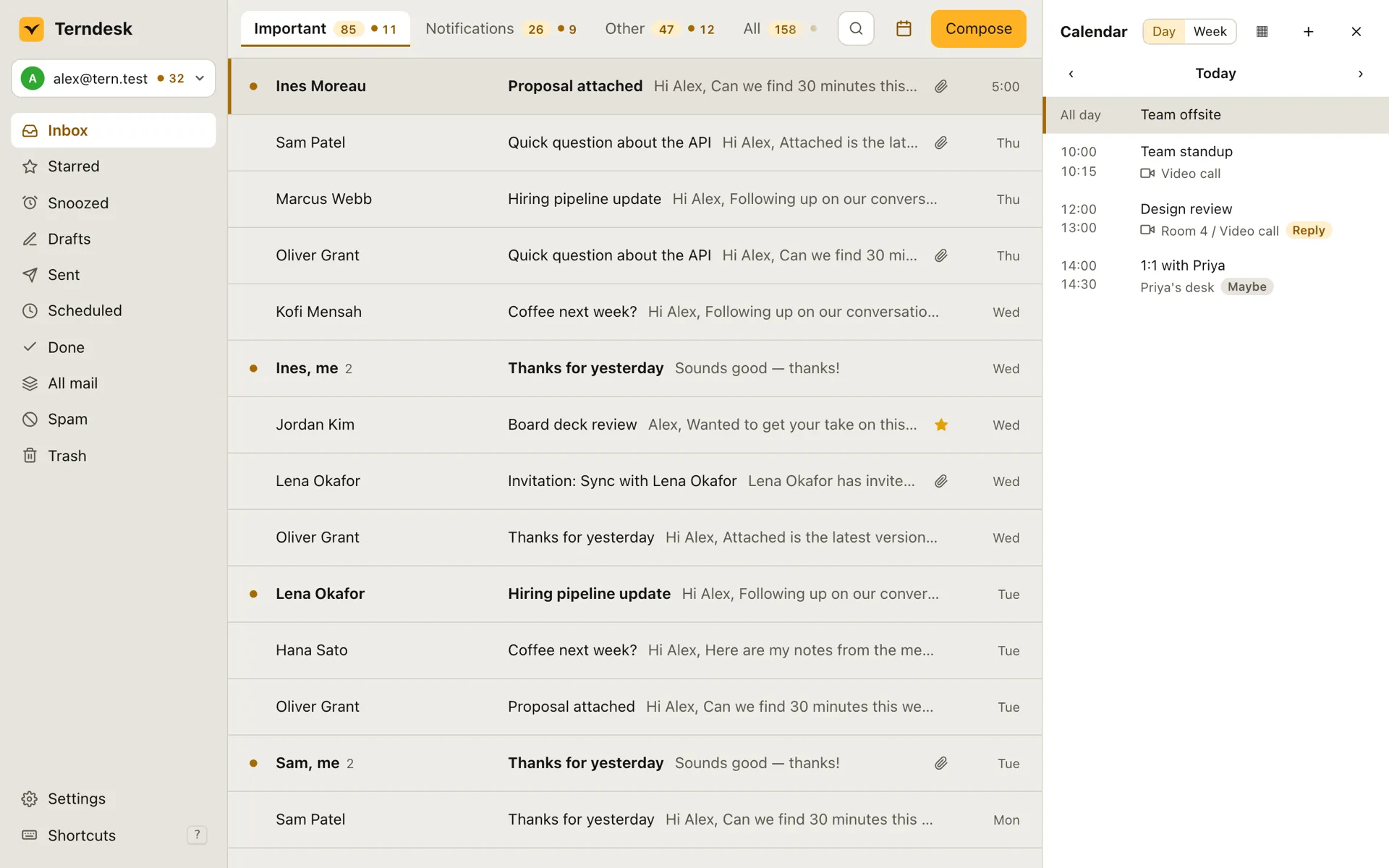
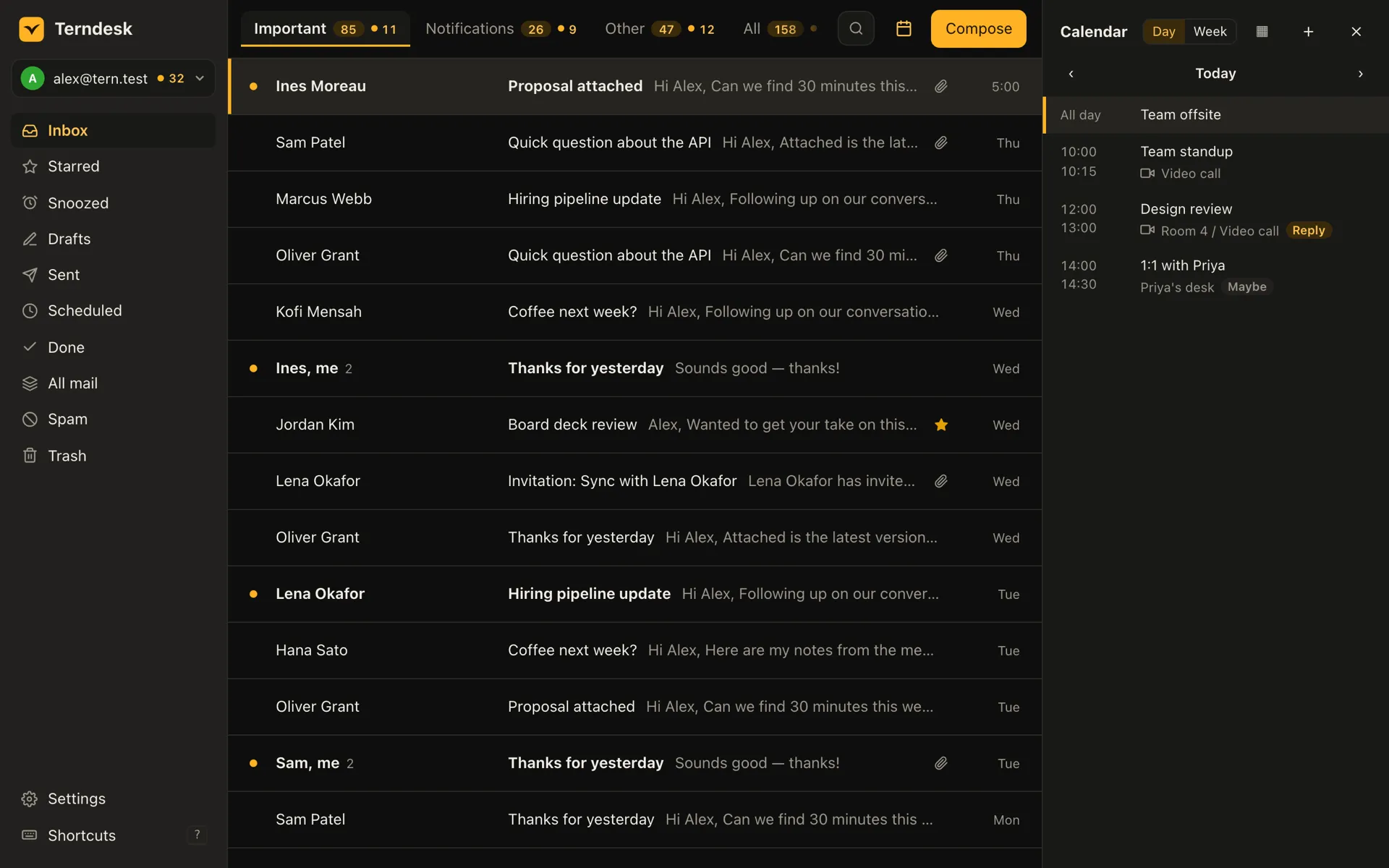
- Every featureSplit inbox, screener, reminders, send later, phishing warnings, calendar and more, each on a key.
- Local-firstWhere your mail lives, what leaves your computer, and what Terndesk changes in your mailbox.
- AI and agentsA local model by default, your own cloud provider if you want one, and an assistant that can read your inbox.
- ComparedAgainst clients that sync through their own cloud, and against Thunderbird and Apple Mail.
- Pricing14-day trial, then one payment for 2 computers. No subscription.
Questions
Where do I download Terndesk?
From its releases page on GitHub, linked at the top and bottom of this page: a .dmg for macOS, and a .deb, .rpm and AppImage for Linux. Windows is coming soon. To hear about new versions, watch the releases repository or subscribe to its feed.
How much does it cost?
Terndesk is free to try for 14 days, with everything working. After that a licence is a single payment, not a subscription: $49 for the first 100 buyers, $99 after that. It covers 2 computers, and each further computer is $15. Prices are in US dollars, and the checkout adds sales tax or VAT where it applies.
Which email accounts does it work with?
Gmail, with Google Calendar and contacts, and most providers that offer IMAP and SMTP, such as Fastmail, iCloud, AOL or your own server. Add as many accounts as you like, switch between them with Ctrl or ⌘ plus 1 to 9, or read them all in one combined inbox.
Does it work with Outlook or Yahoo?
Not yet. Outlook.com, Hotmail, Microsoft 365 (including a company domain hosted there) and Yahoo Mail accept only their own sign-in, which Terndesk doesn't offer yet. Adding one of these accounts stops with a message saying so.
Which platforms does it run on?
Linux and macOS. On Linux it's built for 64-bit x86 computers: a .deb for Ubuntu 22.04 and Debian 12 or later, an .rpm for Fedora and openSUSE, and an AppImage for other distributions; an AUR package for Arch is coming. On macOS there's one universal build for macOS 11 or later, as a .dmg, with Homebrew to follow. Windows is coming soon.
How do I get updates?
Through your package manager. Terndesk never checks for updates itself, so it doesn't contact a server that isn't your mail provider's. Installed from the AUR or Homebrew, it updates with the rest of your system. With a .deb, .rpm or AppImage, you install the new file the same way as the first.
Can anyone at Terndesk read my email?
No. There's no Terndesk server for it to pass through. Your mail moves between your computer and your mail provider, and it's stored on your computer.
What does it change in my mailbox?
What you do in Terndesk happens in your mailbox too, and the reverse: done, read, starred, labels and folders stay in step both ways. Beyond that it adds three things, each only if you use the feature: snoozed mail leaves your inbox on the server too, under a label or folder of its own; settings backup is kept in your own mailbox; and if you let rules run as Gmail filters, it creates those filters, and only ever deletes the ones it made.
How do I sign in?
For Gmail, choose Sign in with Google. Google's own sign-in page opens in your browser, and you approve access there; Terndesk never sees your Google password. For any other account, enter your address and password. Terndesk looks up the server settings and tests the connection before saving. Providers with two-step verification, such as iCloud, AOL and Fastmail, need an app password. Sign-ins and passwords are kept in your system's secure credential store.
Can I use it on a second computer?
Yes. A licence covers 2 computers, and you can move it by removing it from one in Settings. You can keep your settings in your own mailbox and Terndesk offers to restore them when you sign in on the other computer, or you can export them to a file. Passwords, sign-ins and API keys stay on each computer.
How do I stop using it?
Remove the account in Settings. That deletes the copy of its mail and its sign-in from your computer, and for a Google account it also revokes Terndesk's access at Google.
Does it work offline?
Yes. Read, search, triage and reply without a connection. Your changes reach your mail server when you're back online.
Do I need an AI model?
No. AI is optional. To keep it on your computer, install a local AI model there. You can also use a cloud provider under your own account, or switch AI off.
Why doesn't Terndesk have read receipts?
Read receipts track the people you write to. Terndesk blocks that kind of tracking in the mail you receive instead.
Clear your inbox without reaching for the mouse.
The .dmg, .deb, .rpm and AppImage are on GitHub. To hear about new versions, watch the releases or follow their feed.